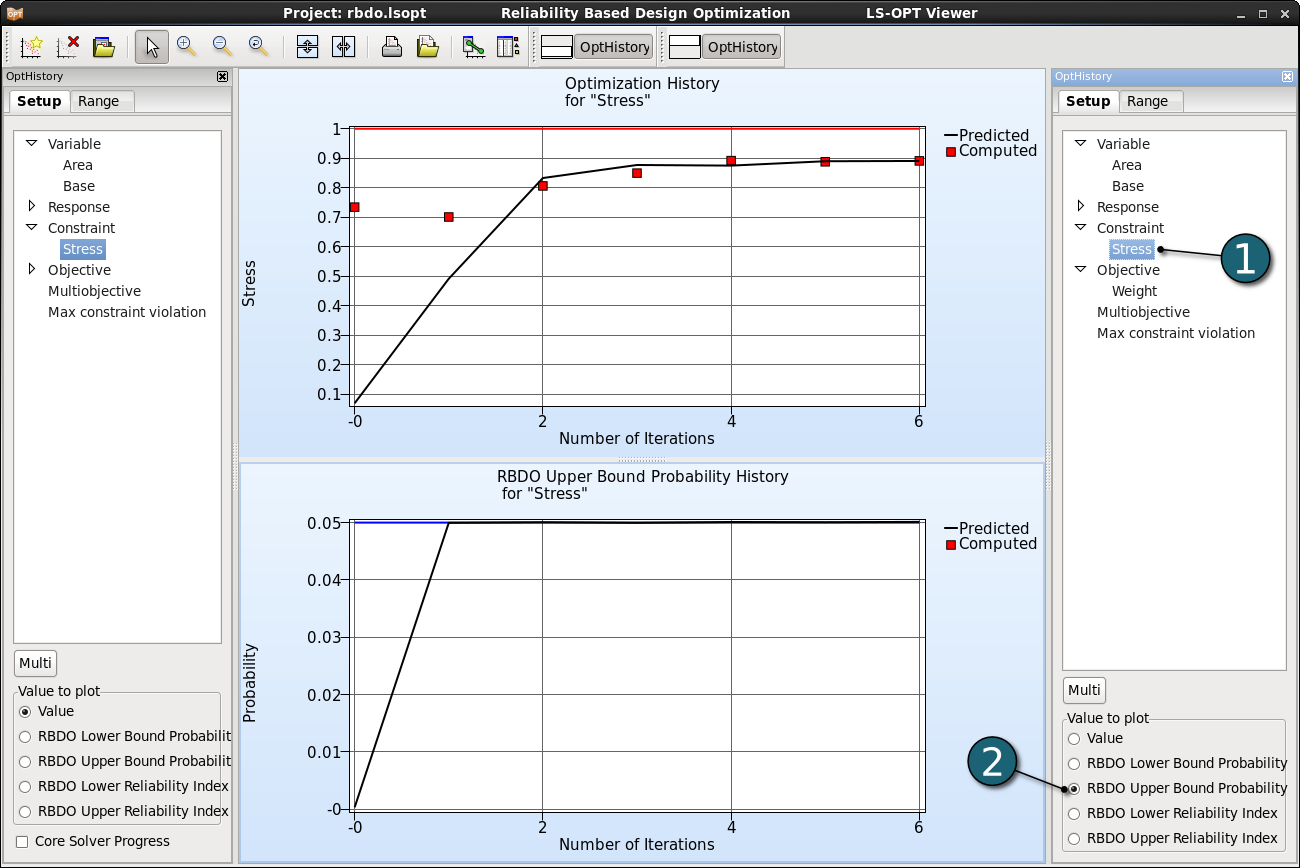
Optimization History
The optimization history of a variable, dependent, response, constraint, objective, multi-objective or the approximation error parameters of pure responses (not composites or expressions) shows the changes of the respective values of the optimum over the iterations.
Home Screen Process Flowchart
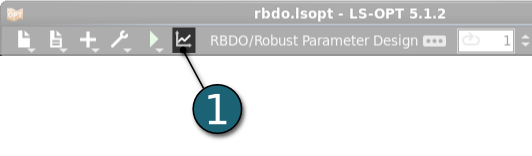
- Click on the Open the viewer icon in the control bar on the Home Screen Process Flowchart.
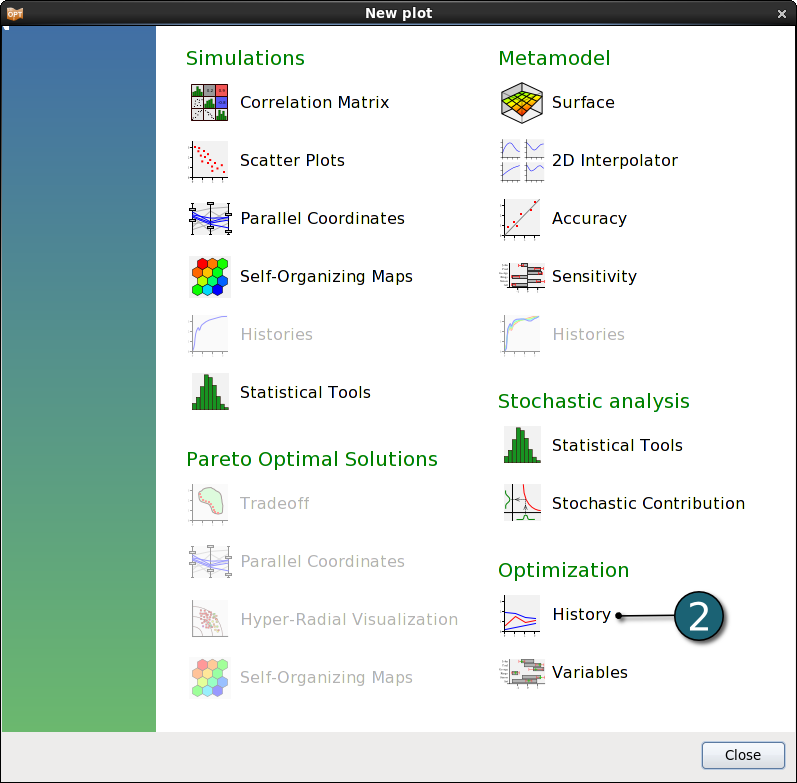
A New Plot window shall open.
- Choose History under Optimization.
Optimization Histories
Design Variables
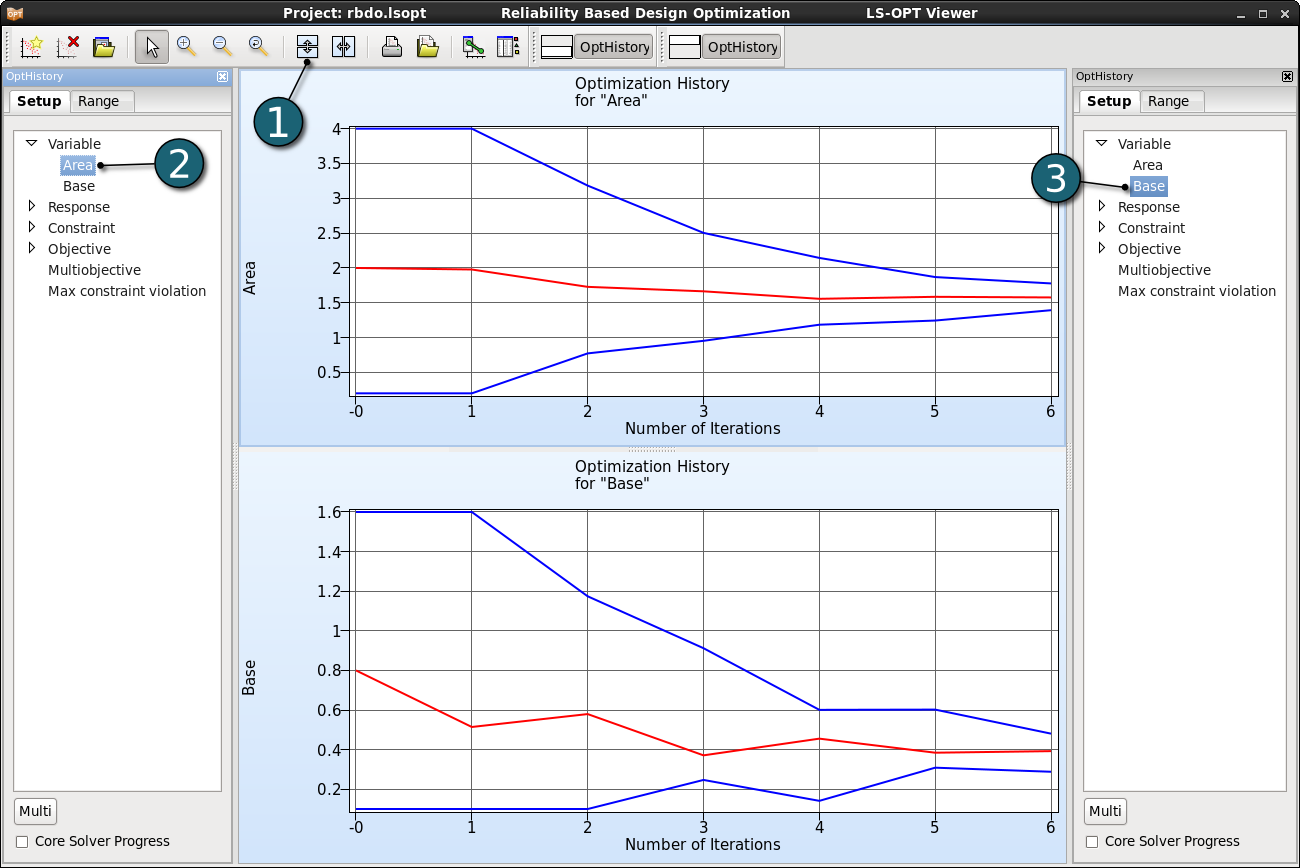
- Click on the Split vertical button to display two optimization history plots in the same window, i.e. the history of the variables Area and Base.
- Select variable Area in the Setup dialog.
- Select variable Base in the Setup dialog.
- The red line displays the variable value, and the blue lines the subregion bounds considered for the respective iteration.
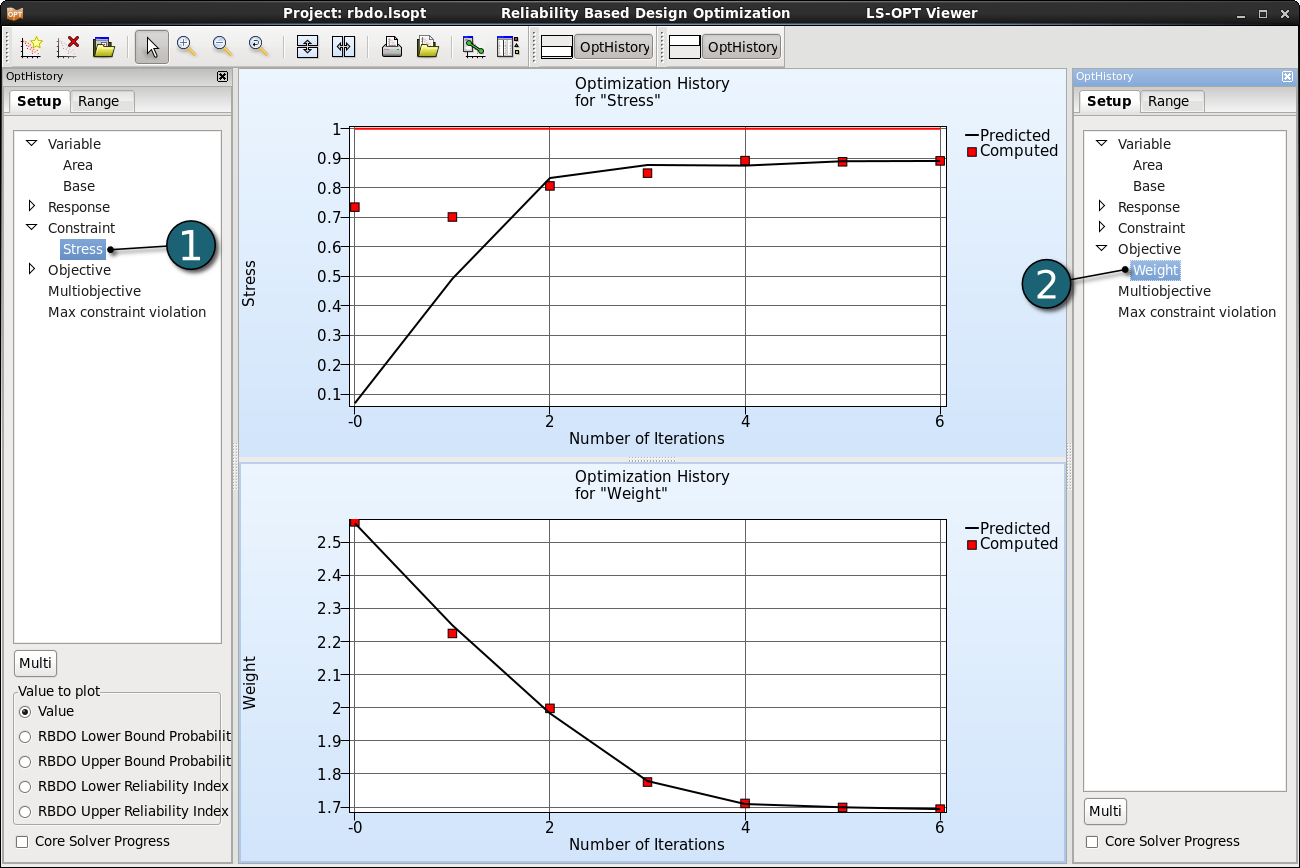
Constraint & Objective
- Select constraint Stress in the Setup dialog.
- Select objective Weight in the Setup dialog.
- In the plot below a black solid line indicates the predicted values for the objective and constraint. The red squares represent the computed values of the optimal point of each iteration.
- For the constraints, the lower and upper bounds are displayed with a blue and red line, respectively.
Contraint & Probability
- Select constraint Stress in the Setup dialog of the plot below.
- Select RBDO Upper Bound Probability as the Value to plot.