Optimization History
The optimization history of a variable, dependent, response, constraint, objective, multi-objective or the approximation error parameters of pure responses (not composites or expressions) shows the changes of the respective values of the optimum over the iterations.
Home Screen Process Flowchart
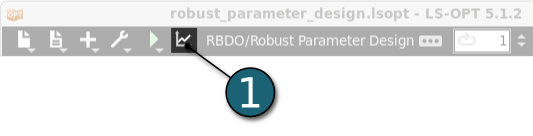
- Click on the Open the viewer icon in the control bar on the Home Screen Process Flowchart.
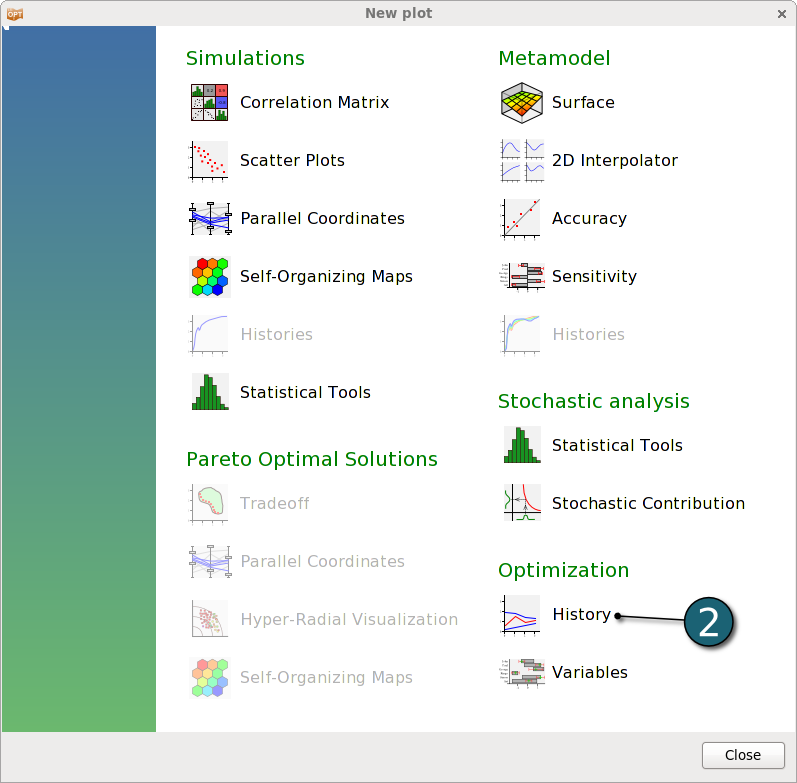
A New Plot window shall open.
- Choose History under the Optimization.
Optimization Histories
Design Variables
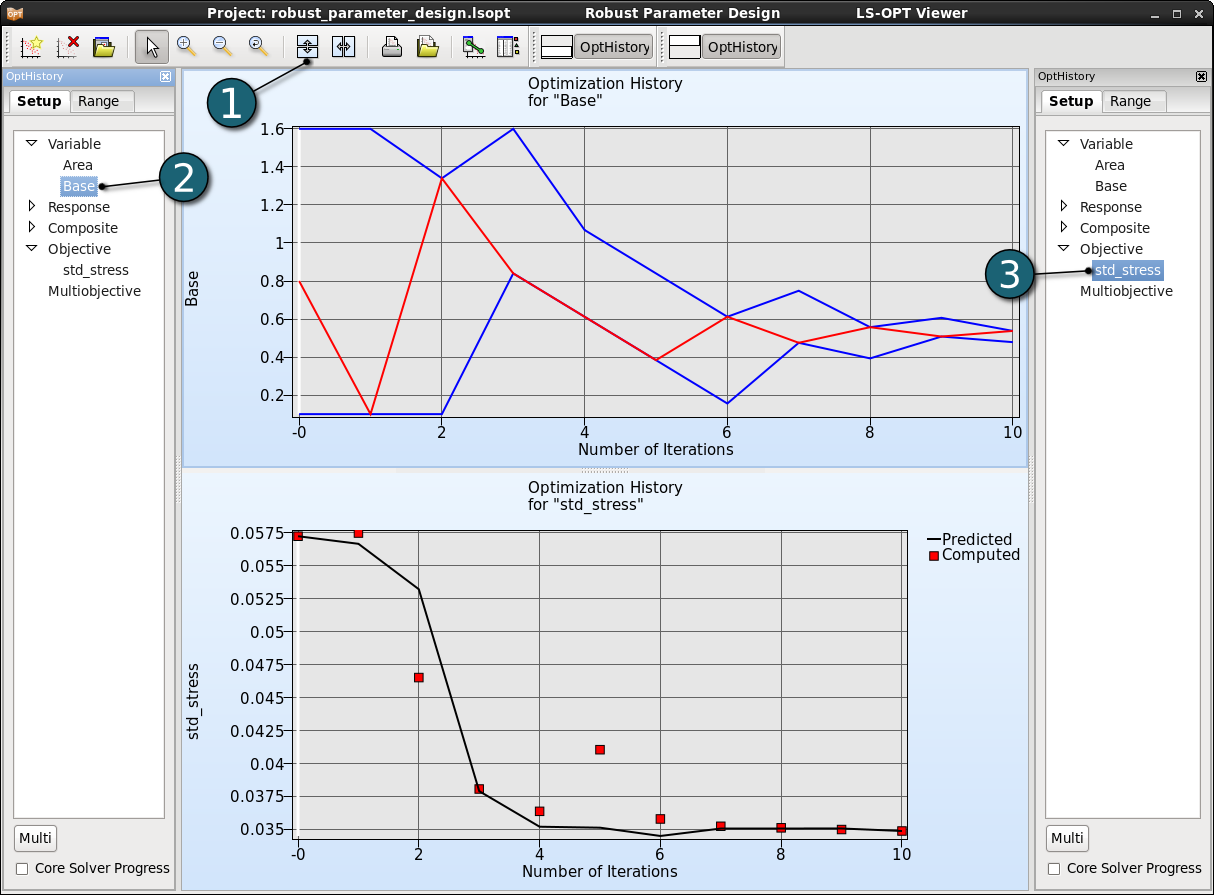
- Click on the Split vertical button to display two optimization histories together.
- Select variable Base in the Setup dialog of the first plot.
- Select objective std_stress in the Setup dialog of the second plot.
- For variables,the red line displays the variable value, and the blue lines the subregion bounds considered for the respective iteration.
- For responses and composites, the black solid line indicates the predicted values for the objective and constraint. The red squares represent the computed values of the optimal point of each iteration.
There is convergence of the variabe, and an improvement of the objecitve function.