Tradeoff
The Tradeoff plot functions similar to the Scatter plot, but the default setting is here to plot Pareto optimal solution data instead of Analysis Result data.
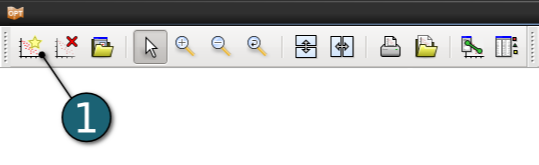
New Plot - Tradeoff- Click on the New Plot icon in the menu bar - (or click on the Open the viewer icon on the Home Screen Process Flowchart).
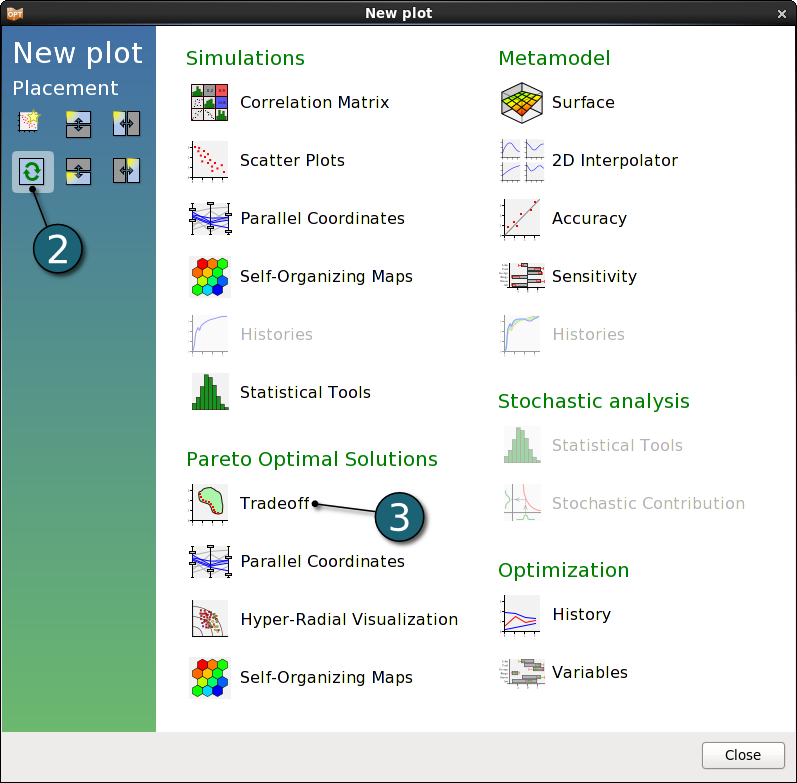
- Select Replace current plot icon.
- Select Tradeoff under Perato Optimal Solutions.
- Tradeoff
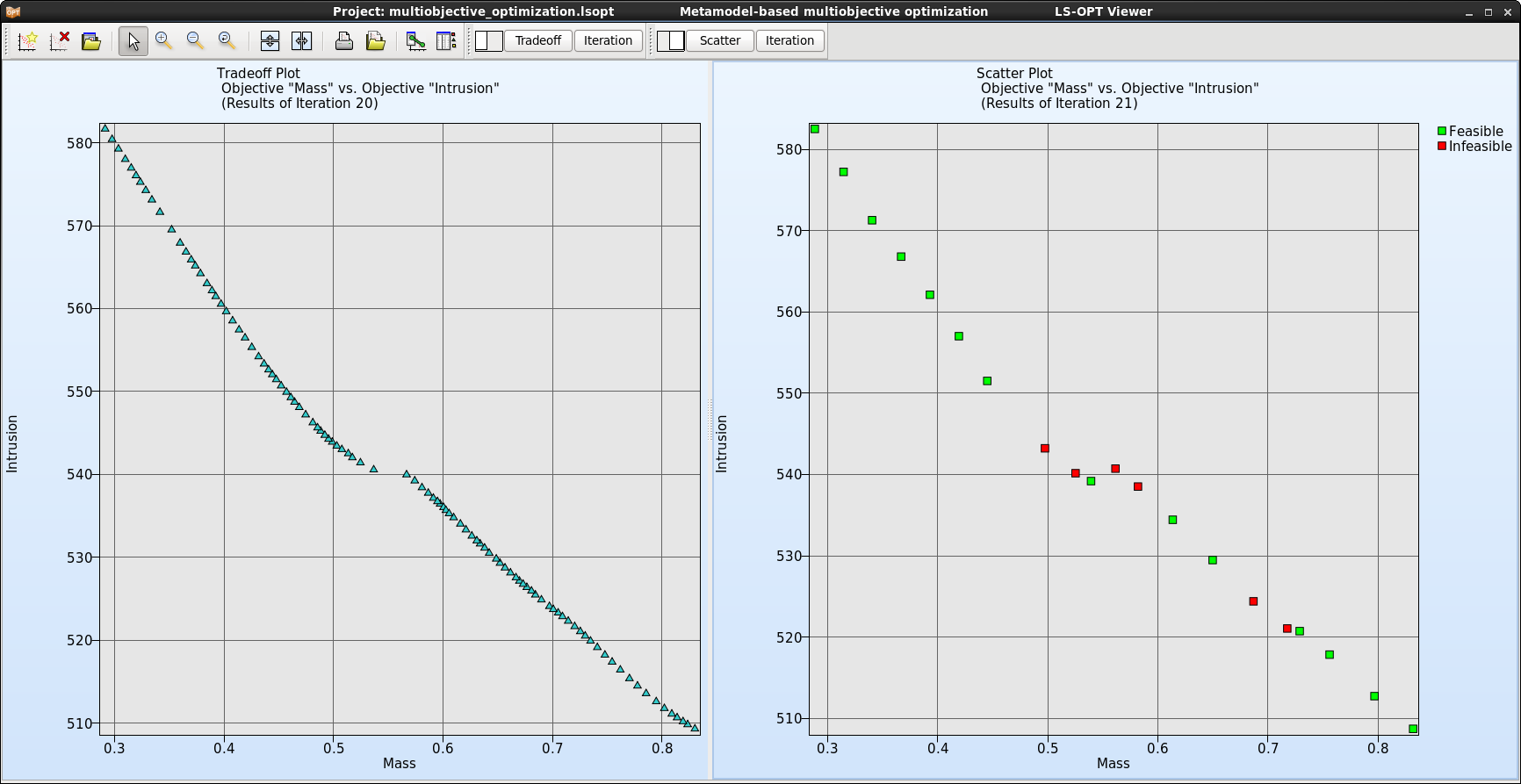
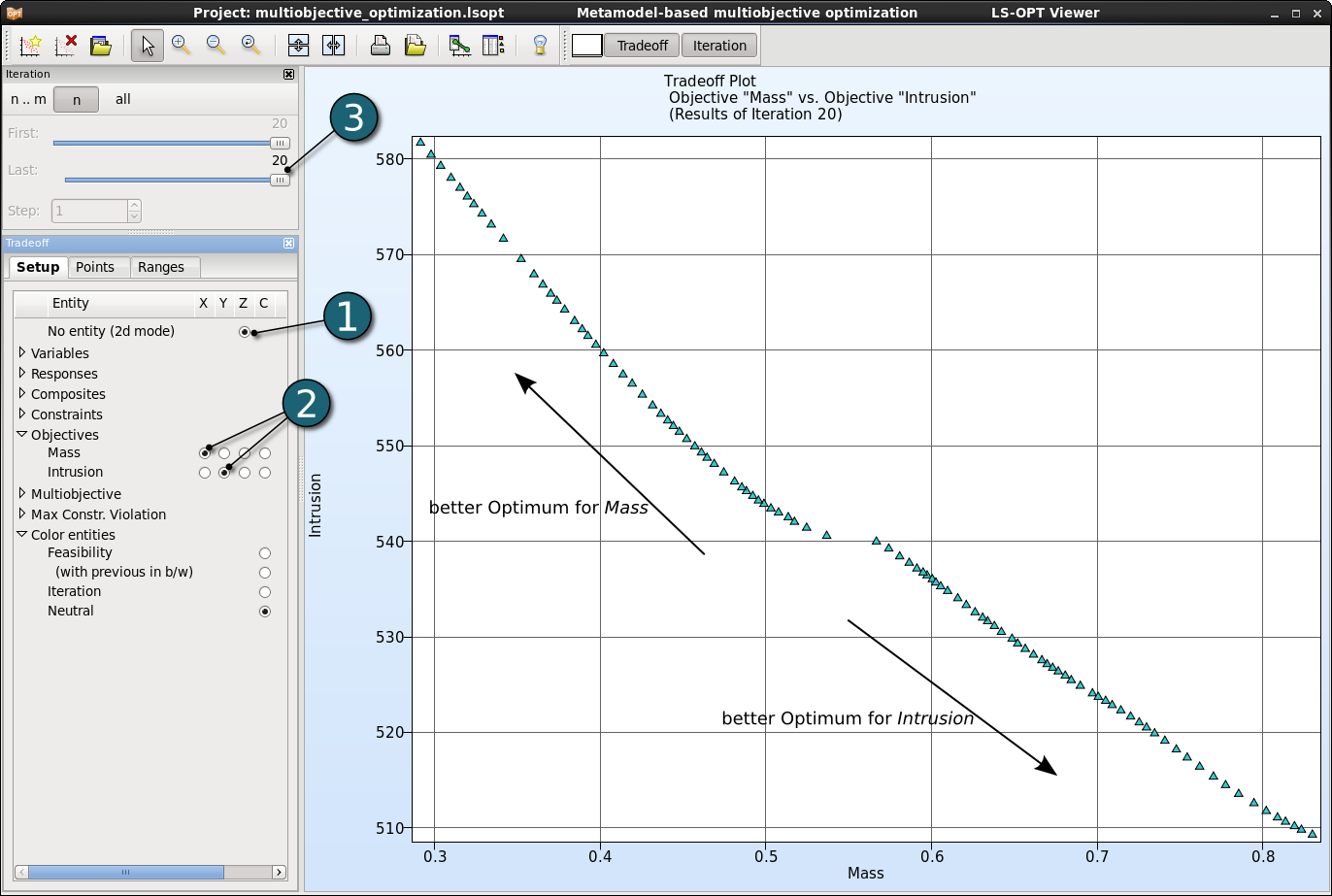
- Display the Pareto front of the optimal solution in 2D.
- As default the objectives Mass and Intrusion are selected for the x and y axes, respectively.
- Display the Pareto optimal solutions for the last iteration 20.
- Each point represents a Pareto optimal solution. As we can see for the best optimum for an objective the other one has the worst optimum. According to the problem we need to choose one of these optimal solutions.
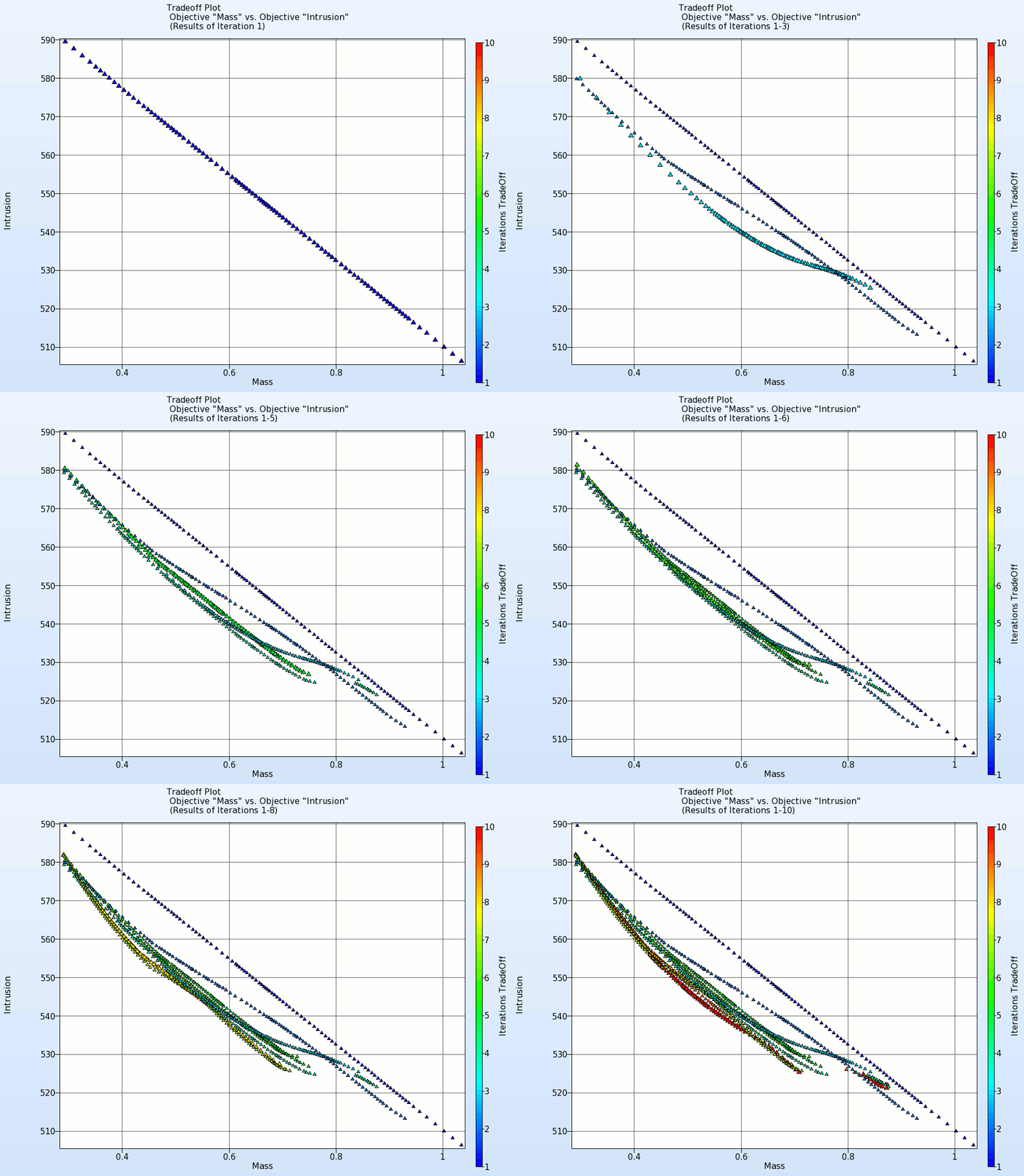
- The animation below shows the development of the Pareto front for the first 10 iterations.